Rhythm Shooting & Auto-Green: Reading NBA 2K27 Script Claims
Publish Date:
Understand shooting-assist feature names, evaluate gameplay demonstrations, and separate controller input features from guaranteed in-game results.
Read “Auto-Green” as a product feature name, not a promise that every attempt succeeds. Compare the documented controls, configuration, and full gameplay context.
Written by the SkyGPC team. SkyGPC sells the products discussed here — how we write our articles.
Start with the control description
Peak’s product materials use terms such as Auto-Green and rhythm/tempo features. To understand an individual feature, inspect what activates it, which settings it exposes, and what the current product instructions say it changes.
A controller-input script does not make a marketing claim true by itself. Judge the specific behavior you can observe, rather than assuming a feature name describes a universal outcome.
What a gameplay clip can show
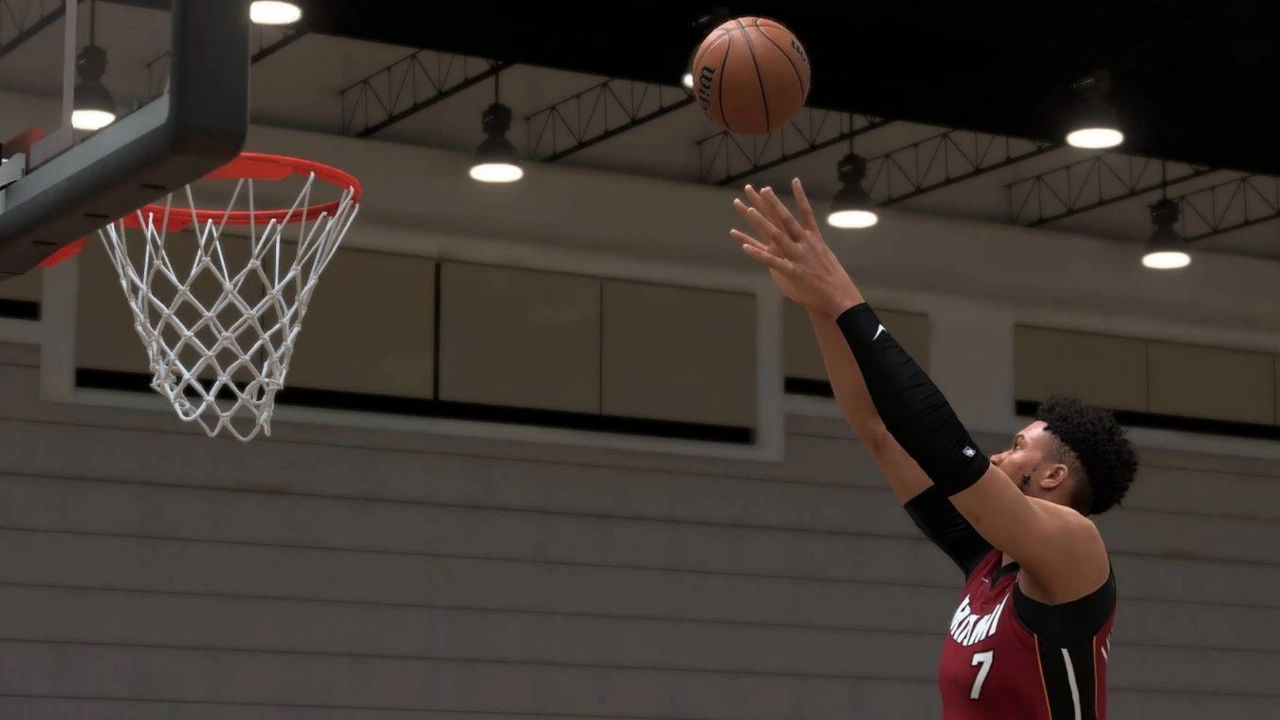
A clip can demonstrate an input sequence, the appearance of a successful attempt, or a setup step. Look for visible settings, the product version, and enough surrounding gameplay to understand the context.
A highlight collection is selected footage. It does not establish how often an outcome occurs across every build, connection, or game mode. The SkyGPC videos linked here are first-party demonstrations.
For players who want a ready-to-go setup, you can explore Peak on SkyGPC and follow the step-by-step guides included with your purchase.
Questions worth asking
Which control activates this feature? Which values can I adjust? What is the baseline configuration? What should I do when the behavior differs from the demonstration? Those questions lead to useful documentation and better support.
A percentage or a claim of perfect results needs a defined test method and a complete sample, not just a caption. We do not turn video titles into guaranteed performance claims.
Put the explanation into practice
Use your product’s current instructions, choose one feature, and make a repeatable test. Keep unrelated settings fixed. Record enough attempts to distinguish a pattern from an isolated result.
If a setting is confusing, ask support with the exact name and version. If the basic controller connection is unreliable, solve that first using the troubleshooting checklist.
Watch the clips
Gameplay and setup clips from @skygpc.com. Selected footage is not a guaranteed result.