Peak for NBA 2K27: Features, Generator & Customer Access
Publish Date:
Understand Peak’s feature categories, the SkyGPC Script Generator, account access, and what to check before buying the NBA 2K27 script.
Peak is the main SkyGPC NBA 2K27 script. Its customer experience combines the script, a personal account, downloadable files, and a Script Generator.
Written by the SkyGPC team. SkyGPC sells the products discussed here — how we write our articles.
The product in plain English
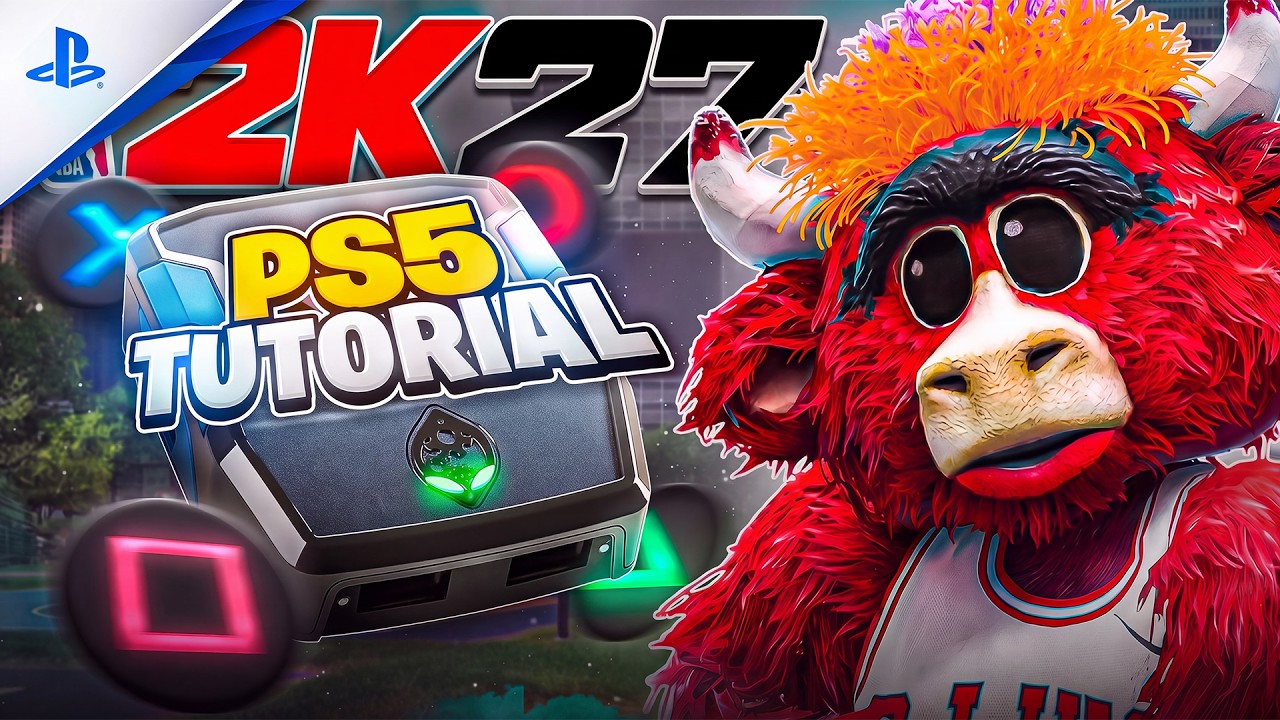
Peak is a digital product used with a Cronus Zen. The device and game are separate purchases. SkyGPC’s product page groups Peak’s controls into shooting, rhythm/tempo, dribbling, finishing, and defense-related features. Visit the product page for the current demonstrations and included feature names.
Feature names describe controls within a script; they are not a promise that the game will produce a particular outcome on every attempt. Your setup and the situation in the game still matter.
How the customer account fits in
Purchase through the Shopify checkout linked from SkyGPC. Keep the confirmation and sign in to your SkyGPC account. Redeeming the order connects product access to the account, after which the customer hub provides the relevant downloads and tools.
If you already have an account, use it rather than creating multiple accounts with different email addresses. This gives support a clearer route from your order to your access problem.
For players who want a ready-to-go setup, you can explore Peak on SkyGPC and follow the step-by-step guides included with your purchase.
What the Script Generator is for
The generator is part of the customer workflow for creating a configured script. Enter your own details and review the options available to your product. Keep a note of the choices you made so you can reproduce a working setup or explain a problem later.
A generated file still needs to be loaded and selected correctly on the device. Generation, programming, and active-slot selection are separate steps. Skipping the last one can leave a different script running.
A practical first session
Start with the supplied setup instructions and a simple baseline. Verify the file, active slot, controller connection, and a single feature before changing multiple settings. Save the baseline before experimenting.
When comparing settings, keep the shot type and practice conditions consistent. A short highlight reel cannot substitute for checking how your own configuration behaves across repeated attempts.
Your next step
If you want the flagship experience, inspect the Peak product page and its current checkout details. If customization beyond that is the priority, read the separate GPC Code guide. Existing Peak customers can also inspect the customer-only Peak+ upgrade page.
Watch the clips
Gameplay and setup clips from @skygpc.com. Selected footage is not a guaranteed result.